
Check game, purchase hunting & fishing licenses, permits and order merchandise online with the Arkansas Game and Fish Commission.
View child support payments, establish a child support order or paternity, and/or request support modification through the Office of Child Support Enforcement.
Arkansas residents can renew their car tags online with ARStar, a convenient and efficient option for avoiding long lines and wait times at the DMV.
Visit the comprehensive online job portal for Arkansas, where individuals can search and apply for government jobs in various departments and agencies.
Order certified copies of birth certificates, correct errors and obtain birth certificates for individuals born in the state through the Arkansas Department of Vital Records.
Arkansas residents can assess their personal property online and pay their personal property taxes through the Arkansas Department of Finance and Administration’s online portal.
Build a brighter educational future for your loved ones. No matter what your education savings goals may be, the Arkansas Brighter Future 529 Plan can help you get there.
There’s no limit to what people with disabilities can do. Now, that includes saving, too. With AR ABLE, you can save for qualified disability expenses without losing your eligibility for certain assistance programs, like SSI and Medicaid.








Inaugurated on January 10, 2023, she is the first woman to serve as governor of the state and currently is the youngest governor in the country.
Use your address to find your federal and local elected officials. Learn how to contact them, bills they’ve sponsored, committees they serve on, and more.
04/15/2024
read more
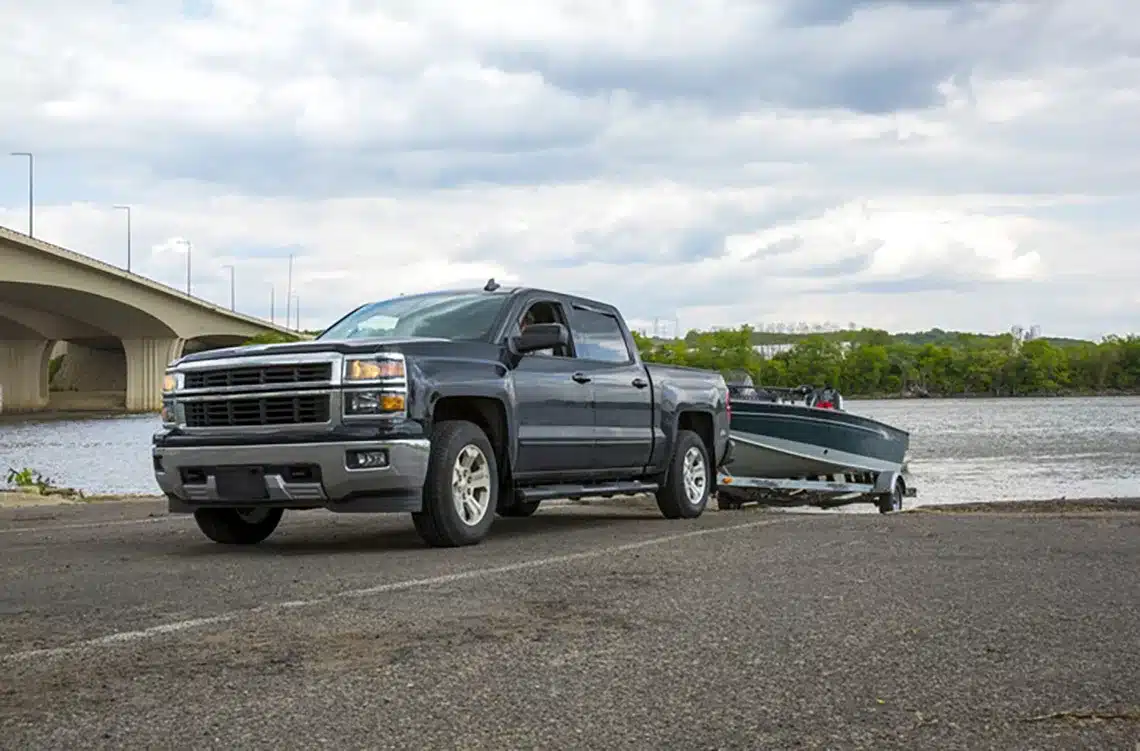
Arkansas is known for its picturesque landscapes and stunning natural beauty. The state boasts of an abundance of outdoor activities that can be enjoyed throughout the year, such as hiking, camping, fishing, and boating. The state is home to the Ozark and Ouachita Mountains, which offer breathtaking views, cascading waterfalls, and numerous hiking trails. Additionally, the state has over 600,000 acres of lakes and nearly 10,000 miles of rivers, making it a haven for fishing and water sports enthusiasts. With its mild climate, Arkansas is an ideal destination for outdoor enthusiasts looking to escape the hustle and bustle of city life and immerse themselves in nature.


Copyright 2024. All Rights Reserved, Arkansas.gov